
Create an account
You need a Fabricator account to log in from the Rhino plugin. The account is free: every drawing and editing tool and the preview work without a plan. Plans says what a plan adds.
Create the account
Section titled “Create the account”-
Open fabricator.hr and click Sign up in the header. A pricing card’s Buy Day Pass or Start 14-day trial button opens the same page, and takes you on to that plan once the account exists.
-
Fill in the form. Full name is optional; it fills in the contact name of your business details later, and you can change it from the plugin. The password needs at least 8 characters. Show shows it as you type. There is no second password box: if you mistype it, reset it later.
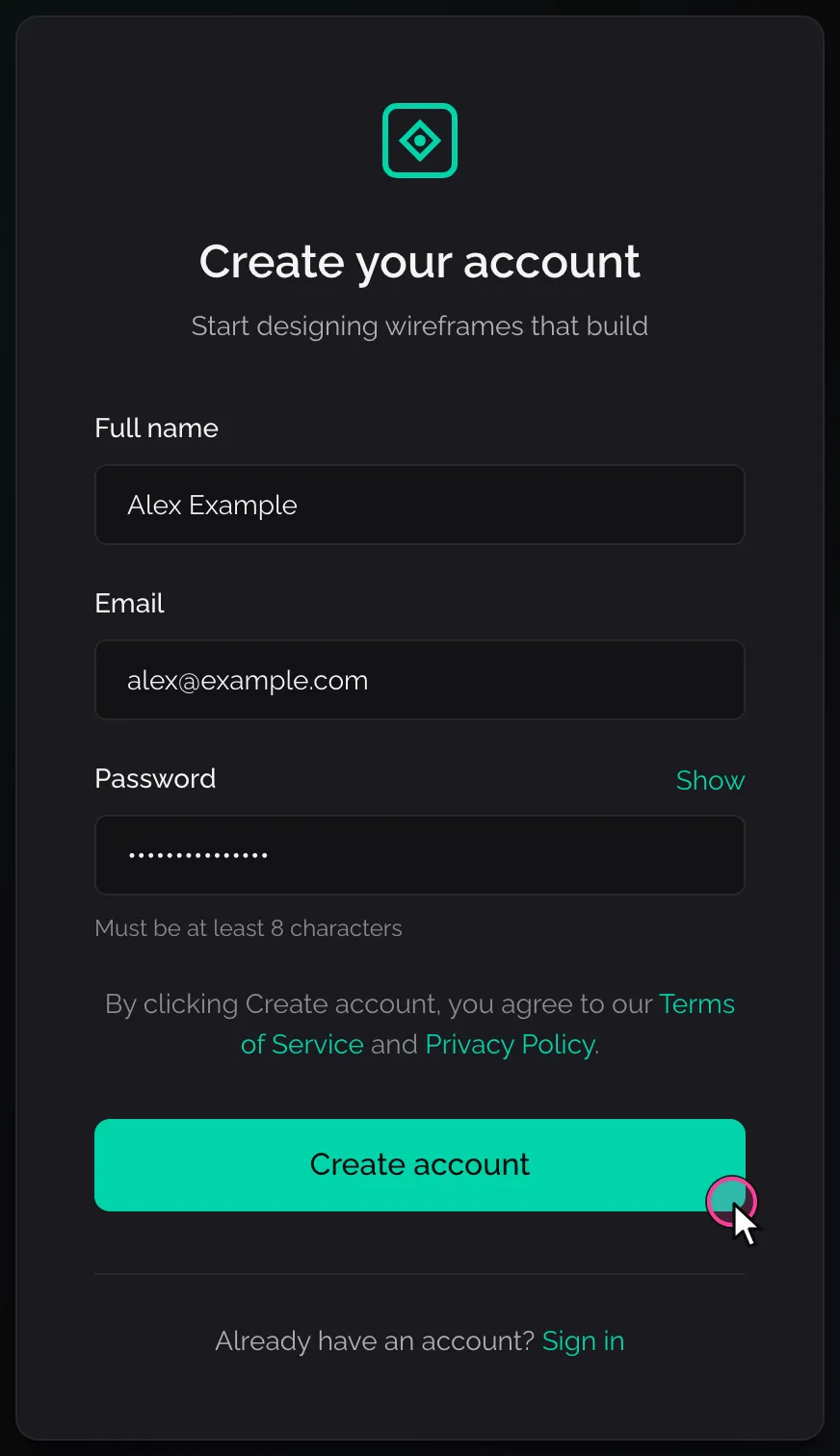
The sign-up form, filled in. -
Click Create account. The page changes to Check your email, and we send a code to the address you gave.
-
Open the email and type the code into Code from the email. You can paste it with or without the dash. Click Confirm.
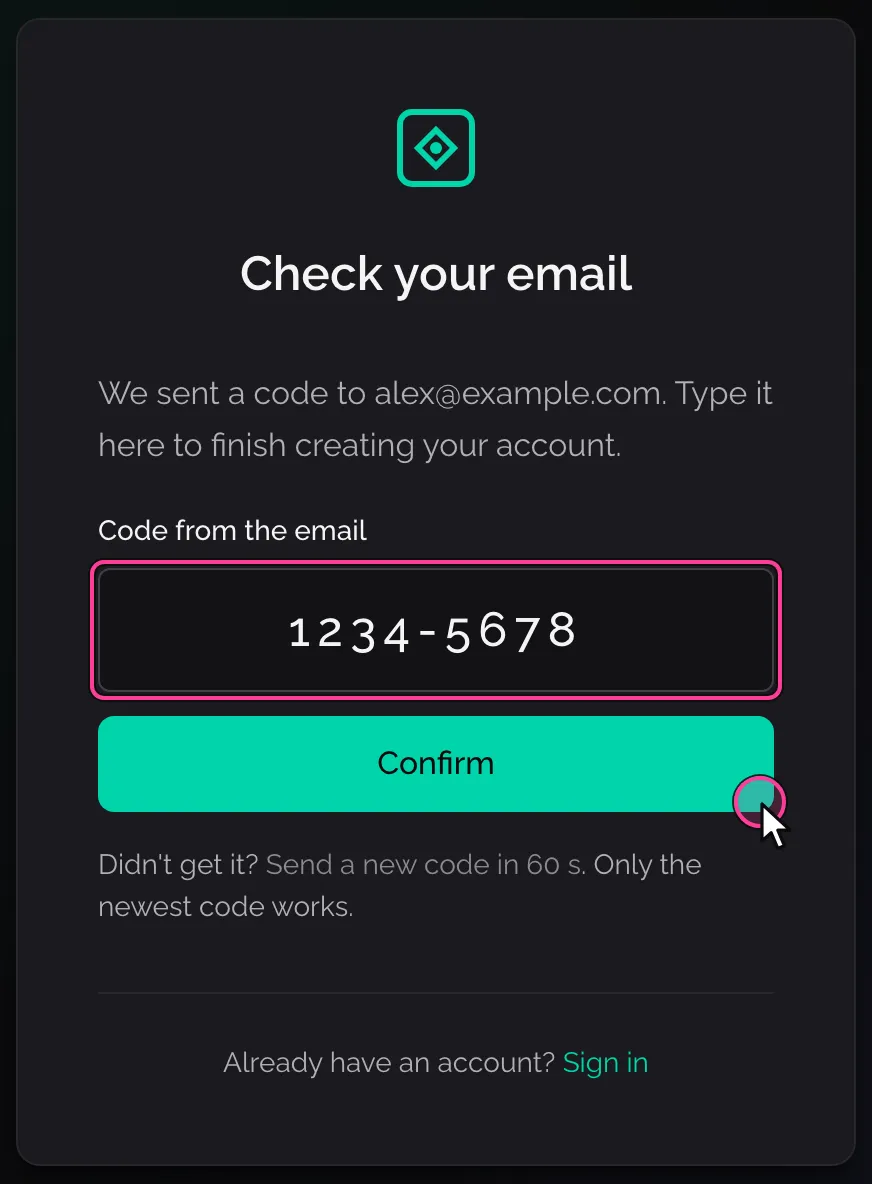
Type the code from the email, then Confirm. -
You are signed in. The website opens Home, or the plan you picked on the pricing page, or the page you came from (for example the plugin’s connect page, or a team invitation).
The email holds a code, not a link. Keep the sign-up page open while you fetch it.
If the code does not come, or is refused
Section titled “If the code does not come, or is refused”| What you see | What to do |
|---|---|
| No email after a minute or two | Look in the spam folder. Then click Send a new code under the box. The link counts down from 60 seconds, because one email a minute can go to an address. Only the newest code works. |
| “That code is not right, or it has expired. Check the newest email, or send a new code.” | Use the code from the newest email, or click Send a new code. |
| “Too many tries. Wait a few minutes, then try again.” | Wait a few minutes before you type a code again. |
| “We sent a code a short while ago. Check your inbox; you can ask for a new one in a minute.” | The last code is on its way. Wait a minute before you ask for another. |
| “We could not send the email. Try “Send a new code” in a minute.” | Wait a minute and click Send a new code. |
| “Your email is confirmed, but we could not save your password. Reset password to set it.” | The account exists and is confirmed. Click Reset password and set a password as below. |
If the form is refused
Section titled “If the form is refused”| What you see | What to do |
|---|---|
| “Password must be at least 8 characters” | Choose a longer password. |
| “An account with this email already exists. Please sign in or reset your password.” | You already have an account. Use Sign in to your account, or Reset your password if you do not know the password. |
| “Signup is temporarily unavailable. Please try again shortly.” | Our side could not create the account. Try again in a few minutes; if it keeps happening, ask for help. |
Sign in
Section titled “Sign in”-
Open fabricator.hr and click Log in. The page says Welcome back.
-
Type your Email and Password and click Sign in. Show password shows what you typed.
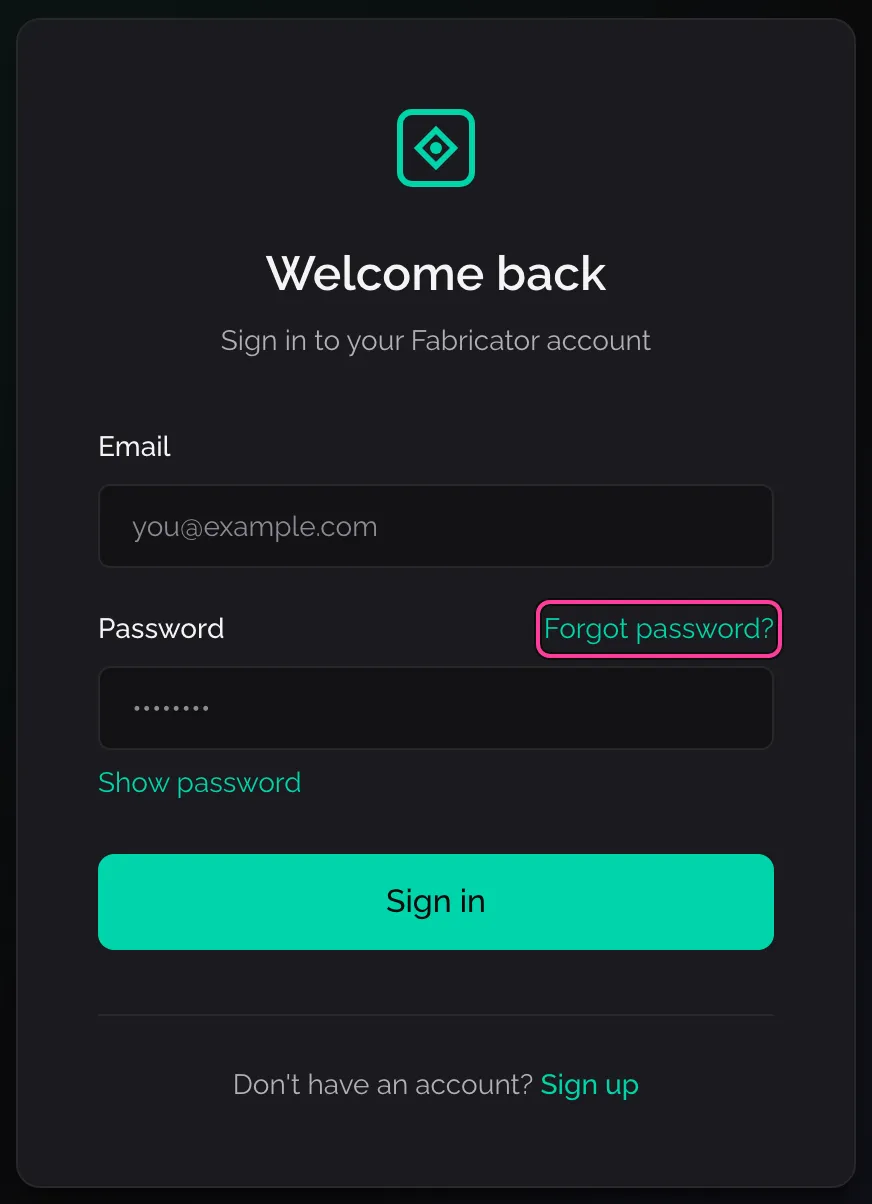
The sign-in page. Forgot password? is beside the password. -
The website opens Home, or the page you were trying to open before it asked you to sign in.
A wrong password gives “Wrong email or password.” with a link to reset it.
If the password is right but you never confirmed your email, the page changes to Confirm your email and sends you a code. Type it and click Confirm, as when you signed up.
Sign out, at the foot of the website’s sidebar, signs you out of this browser only. The Rhino plugin stays logged in; it has its own Log out in the panel’s account menu.
Set a new password
Section titled “Set a new password”-
On the sign-in page, click Forgot password?.
-
Type your Email and click Send reset link. The page says Check your email.
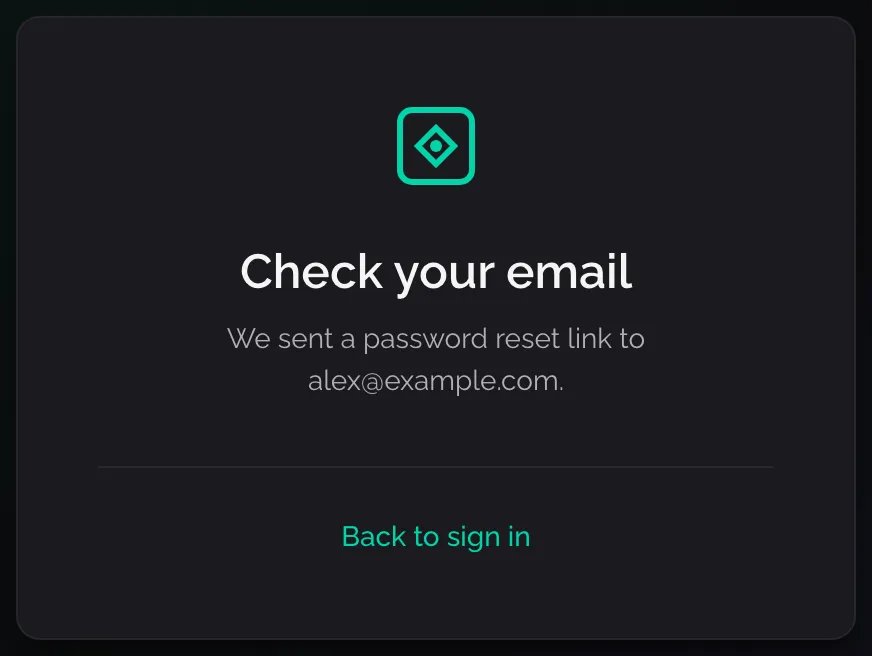
The reset link is on its way. -
Open the email and click its link. The website opens Set a new password.
-
Type the new password in New password and again in Confirm password, then click Update password. You are signed in.
If the page says “Link expired”, the link was used already or is too old. Click Request a new link and start again. “Too many reset requests. Please wait a moment and try again.” means you asked several times in a row: wait, then ask once.
Signed in, you can send yourself the same email from Settings with Change password.
- Install the plugin and log in from Rhino.
- Choose a plan when you need full solves, 2D patterns and nesting.